Grow Light White Balance: Phone Photo Tips for Plants
The short answer
Grow light white balance is the setting that stops plant photos from looking pink, purple or orange. Many grow lights skew the color your phone sees. Lock white balance manually, use a white card as a reference or take photos under plain white light. That way leaf color looks true and problems are easier to spot.
Good photos help when you track growth or ask for help with a plant.
Why do grow lights confuse phone cameras?
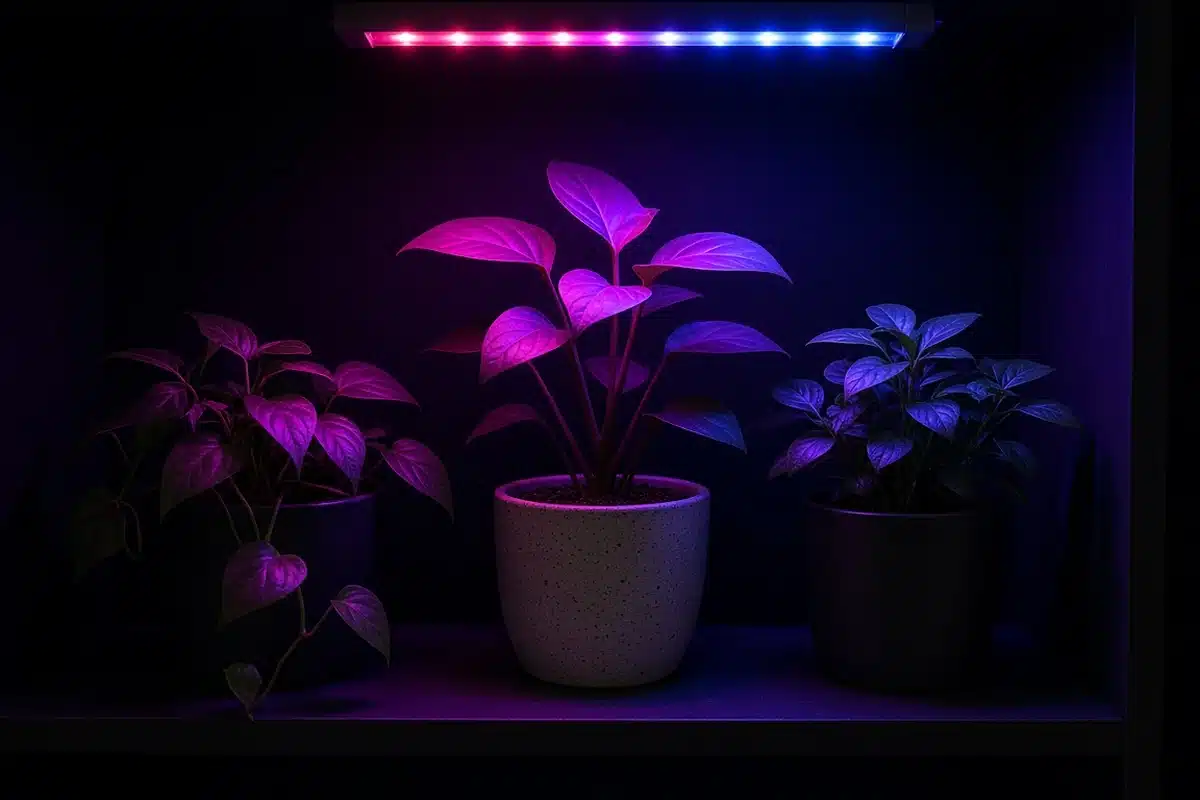
Phone cameras guess the color of light in a scene and adjust to make whites look white. Under normal daylight, that works well. Under grow lights, it often fails.
The US Department of Energy page on color and spectrum explains that light sources differ in the mix of colors they give off. Some LED grow lights put out mostly red and blue light with little green. The camera sees a strange mix and can’t correct it well.
The HortScience article on LED lighting, a grower’s guide to light spectra describes how growers pick different spectra for plants. A spectrum that suits plants can look odd to the eye and to a camera.
Which lights cause the most trouble?
| Light type | Photo result | Fix |
|---|---|---|
| Pink or purple LED | Leaves look magenta | Switch lights off or use a white light |
| Full spectrum white LED | Slight warm or cool tint | Lock white balance |
| Warm white LED | Orange tint | Set white balance cooler |
| Cool white LED | Blue tint | Set white balance warmer |
Sources: US Department of Energy, University of Maryland Extension, HortScience.
The University of Maryland Extension article on fine tuning your indoor plant lighting choices notes that white LEDs give a broad spectrum. White fixtures are far easier to shoot under than pink ones.
Our post on grow lights for cannabis covers fixture types and their color output.
How do you set white balance on a phone?
Most phone cameras have a pro or manual mode. In that mode, look for white balance, often marked WB. You can pick a preset like daylight or set a Kelvin number.
For white LED grow lights, try a setting near daylight, around 5000 to 5600 K. Adjust up or down until leaves look natural.
Some phones let you tap a white or gray object to set white balance. Hold a white card next to the plant and tap it. The camera uses that as a reference.
No manual mode? A free camera app may add one.
What is the simplest fix?
Turn off the grow light and take the photo under plain room light or daylight. Many growers bring the plant to a window or use a white flashlight for photos.
If you can’t turn off the light, use a phone flash or a small white lamp close to the subject. Extra white light helps the camera find true color.
How do you get clear photos of plant problems?
Leaf color helps you spot changes in growth. Our post on the secrets behind cannabis vibrant colors explains how leaf and flower colors develop.
When sharing a photo to ask for help, take one shot of the whole plant and a close shot of the problem leaf. Shoot both sides of the leaf if you can. Hold the light white and even.
Brace the phone or hold it with both hands. Blurry photos hide detail.
How do you hold photos consistent over time?
Growth logs work well when every photo is taken the same way. Pick one spot, one time of day and one light setup. Shoot from the same angle and distance each time.
A plain backdrop is useful. A sheet of white foam board behind the plant hides clutter and gives the camera a neutral reference for color. Some growers tape a small gray card to the pot so every image carries the same reference.
Date each photo or file them in a folder by week. Side by side shots taken the same way make slow changes in color and shape easy to see.
How to: step by step
- Turn off colored grow lights if you can.
- Use daylight or a white lamp instead.
- If lights must stay on, open manual camera mode.
- Set white balance near daylight or tap a white card.
- Take a wide shot and a close shot.
- Check that leaves look like they do to your eye.
Our post on optimal lighting for growing indoors explains how light color and intensity affect what you see in the grow space.
Troubleshooting
Photos look pink. The grow light has heavy red and blue. Turn it off or add white light.
Photos look orange. White balance is too warm. Set it cooler.
Photos look blue. White balance is too cool. Set it warmer.
Colors shift between shots. Auto white balance changes from shot to shot. Lock it in manual mode.
Details look blurry. The phone moved. Brace it or use a timer.
A few seconds of setup gives photos you can trust. Kind Seed Co shares more garden ideas in outdoor growing.
Sources
- Color and spectrum, US Department of Energy, Color and spectrum
- Fine tuning your indoor plant lighting choices, University of Maryland Extension, Maryland Grows, Fine tuning your indoor plant lighting choices
- LED lighting: a grower’s guide to light spectra, HortScience (ASHS), LED lighting
FAQ
Why do plants look purple in photos?
Many grow lights give mostly red and blue light. The camera cannot correct it well.
What white balance should I use?
Start near daylight, about 5000 to 5600 K, and adjust until leaves look natural.
Can I fix colors after taking a photo?
Many photo apps let you adjust white balance later, but the easier fix is a white light at the time.
Should I use flash on plants?
A flash or white lamp can help under colored lights. Hold it at an angle to avoid glare.
Do I need a special app?
Not always. Many phones have a pro mode. If yours does not, a free camera app can add manual white balance.