Best cannabis grow diary sites to log your grow
A grow diary turns one harvest into lessons for the next. When you can look back and see that the leaves started clawing three days after you raised feed strength, you stop repeating mistakes. Grow diaries also make it much easier to ask for help, since you can share the whole history instead of trying to remember it.
There are many ways to keep a diary. Some growers use big community sites where diaries are public and others comment. Some prefer private apps. Some still use a spreadsheet or a paper notebook. This guide compares the types of options so you can choose what fits, without pushing any one site.
What to look for in a diary site
| Feature | Why it matters |
|---|---|
| Weekly photo uploads | Shows change over time |
| Structured fields | Medium, light, nutrients, pH, temperature |
| Privacy controls | Choose public, friends only or private |
| Export | Keep your data if the site closes |
| Active community | Comments and help on public logs |
| Account security | Two factor login and clear data policies |
Not every grower needs every feature. A first time grower may value comments most. An experienced grower may care most about export and privacy.
Community diary sites
Large diary communities let you post a log per grow with photos, settings and weekly notes. Other growers can like and comment. You can search for diaries using the same seed type or the same tent and see how theirs went. The upside is huge shared knowledge. The downside is that your diary is often public by default, and you are trusting a third party with photos of a home grow. Read the privacy settings before your first post.
When you browse public diaries, remember that photos can be edited and results are often a best run, not an average one. Treat them as examples, not promises.
General grow forums with journal sections
Many long running forums have a journal or grow log subforum. These are less structured, but they are often friendlier for long conversations. You post an opening entry and then reply to your own thread each week. Regulars follow along. Forum logs are great for back and forth troubleshooting. Our guide on getting help when a plant looks wrong pairs well with a running forum log.
Private apps
Several phone apps let you log watering, feeding and environment with reminders and charts. Many keep data on your device or behind an account that is not public. Apps are convenient for daily notes. Before choosing one, check whether it can export your data and whether it requires location access. A grow app does not need your location.
Spreadsheets and paper
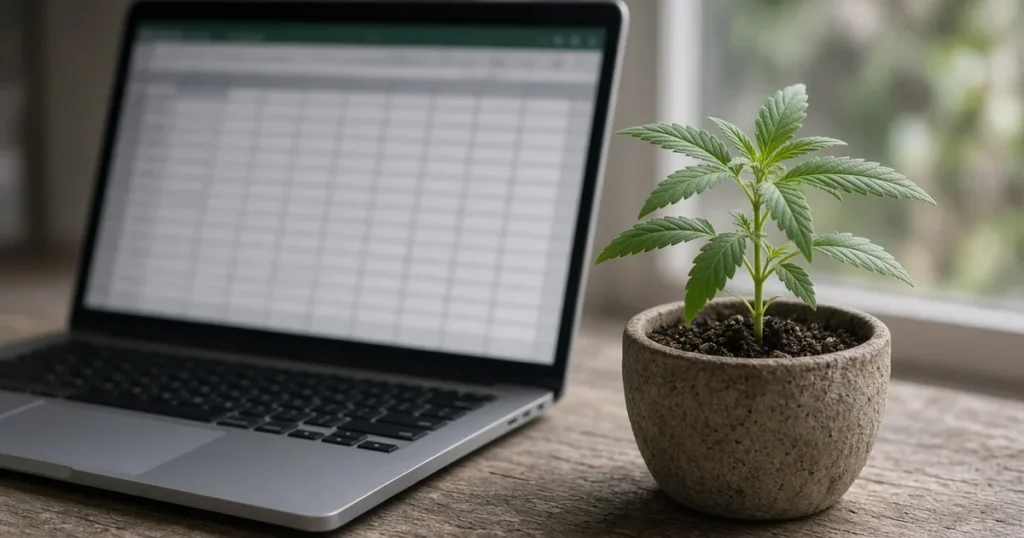
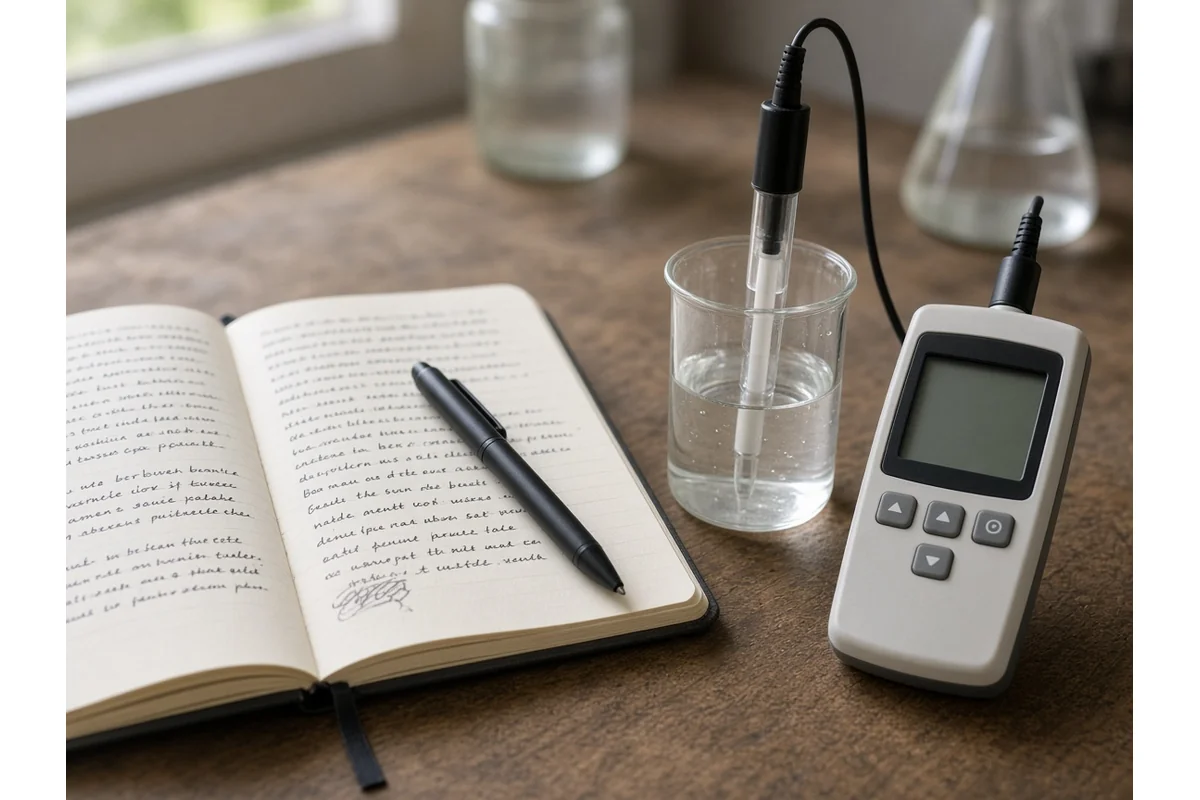
A spreadsheet is free, private and fully under your control. Make columns for date, day of grow, stage, water volume, pH in and out, PPM, temperature, humidity, light height and notes. Add a photo folder with matching dates. Paper notebooks work too, and some growers like the habit of writing by the tent each day.
What to log every time
Log the date and day count. Log what you fed and at what strength, using our PPM guide for cannabis for reference. Log runoff pH if you test it, with our guide to pH for cannabis. Log environment highs and lows. Log anything unusual you saw, even if it seemed minor. Small notes become big clues later.
Seed source notes
Write down where your seeds came from, the order date and how many germinated. Over several grows this gives you a fair picture of each source. Some communities keep a public list of complaints about sellers, often called a wall of shame. Kind Seed Co keeps its own page, linked below, and community lists exist elsewhere. Read any such list as a starting point for your own research, not a verdict.
Privacy and safety
Keep the same habits you would for any forum. Use a username that is not your real name. Strip location from photos. Avoid shots that show your house, street or face. If your state limits plant counts or you rent, think twice before making a log public. Use strong unique passwords and two factor login where offered.
Choosing your setup
If you want feedback, start a public community diary or a forum log. If you want privacy, use a spreadsheet or a private app. Many growers do both, logging privately every day and posting a weekly summary publicly. Whatever you pick, consistency matters more than the tool.
A starter template
Week number. Stage. Daily notes on water and feed. Weekly photo from the same angle. Environment range. Problems seen and actions taken. Plan for next week. Copy this into any tool and you have a diary.

Reading your diary after harvest
Once the plants are dry and cured, sit down with the whole log. Mark the week each problem started and what you changed. Note which feed strength the plants liked best and when they started to fade. Compare yield and quality with your notes on light height and humidity. Write a short summary at the end with three things to keep and three things to change. That summary is the most valuable page in the diary, because it is what you read before the next grow.
Sharing a diary for help
When you ask for help, link the diary instead of pasting a single photo. Point helpers to the week where things changed. Say what you suspect and what you already tried. Helpers can then see the trend, which often matters more than a single snapshot. Thank people who help and post an update when the fix works, so the next grower with the same problem finds the answer.
Grow legally and responsibly
Home cultivation is only legal in some states, and each state sets its own plant limits, locking rules and rules about whether plants can be visible from a public place. You must be 21 or older to buy seeds from Kind Seed Co, and you should grow only where your state and city allow it. Check your state rules in our guide to the legal requirements for growing weed plants in your state before you plant. Federal treatment of cannabis seeds is also changing, so read our December 11 2026 seed rule explainer before you order. Keep plants and harvested flower locked away from children, pets and visitors, and never drive after using cannabis. This article is general information. It is not legal advice and it is not medical advice.
Frequently asked questions
Do I need a grow diary site at all?
No. A spreadsheet or notebook works. Sites add community feedback and easy photo sharing.
Are public grow diaries safe?
They can be if you use a pseudonym, strip photo location and avoid identifying details. Check privacy settings first.
What should I log each day?
Date, feed and water, pH, PPM, temperature, humidity and any changes you notice.
What is a seed bank wall of shame?
A list of seller complaints. Use it as one input for your own research, not as proof about any seller.
Final thoughts
The best grow diary is the one you keep up. Pick a tool that fits your privacy needs, log the same things every time and your next grow will be better for it.
Ready to start
Browse the full range in the Kind Seed Co shop or go straight to autoflower seeds. Kind Seed Co sells only to adults 21 and older. Always follow the cannabis laws where you live.