PPFD Mapping Grid: Step by Step Readings for Your Grow Space
The short answer
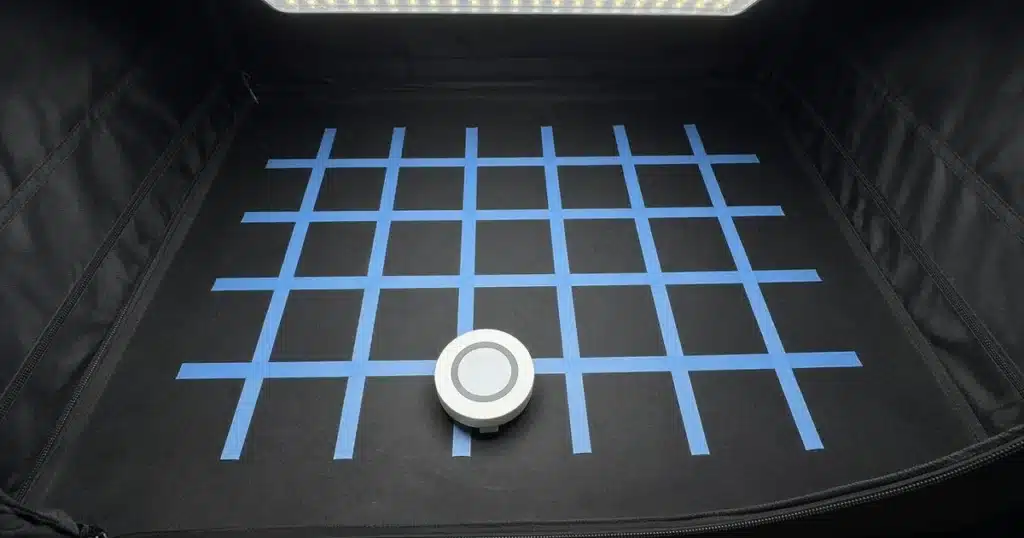
A PPFD mapping grid is a set of evenly spaced points where you take light readings under a grow light. Mark the grid on the floor, hold a quantum sensor level at canopy height and read each point in order. Then compare the center, edges and corners to see where to adjust height or spacing, or add light.
A map turns a fixture’s marketing chart into numbers for your own space, walls and all.
What is a PPFD map?
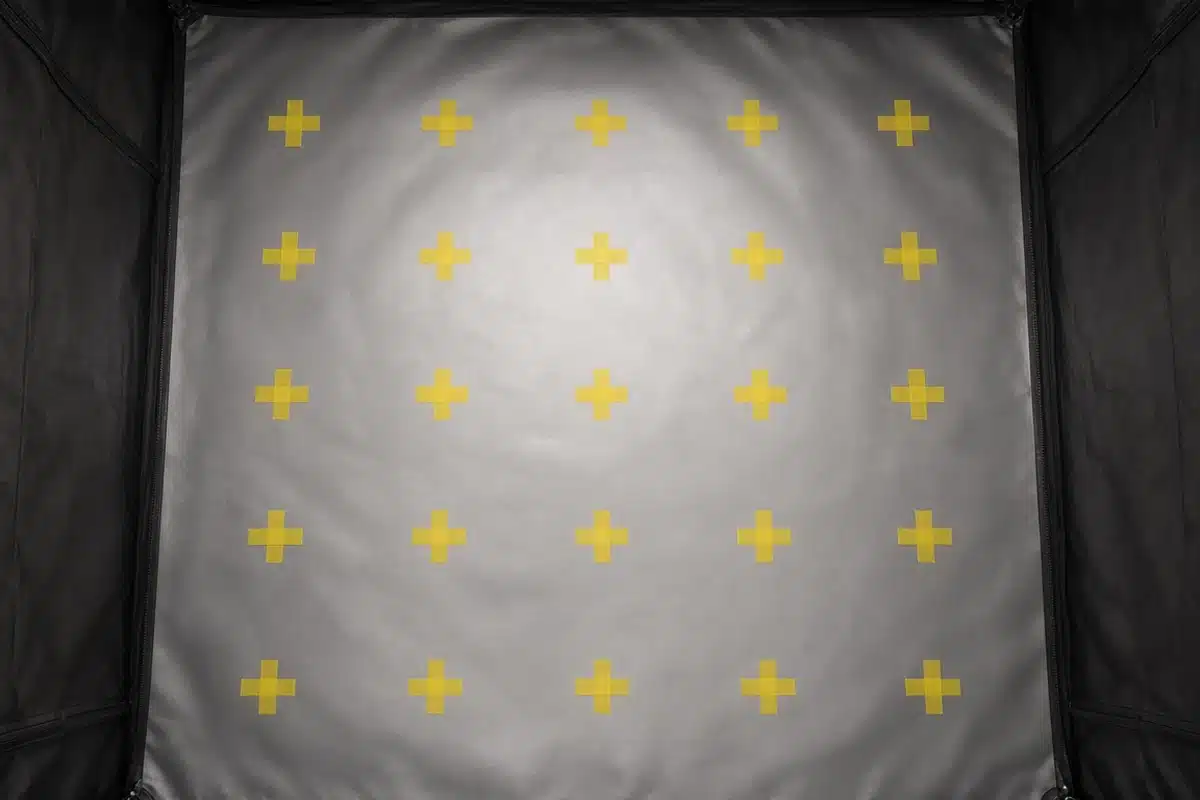
PPFD is the amount of plant usable light that lands on a surface each second. A single reading tells you the light at one spot. A map tells you the light across the whole area.
Most fixtures put more light in the center than at the edges. Walls reflect some light back. Corners often get the least. A map shows how big those differences are.
The Purdue Extension guide to measuring daily light integral explains PPFD and how growers measure it with quantum sensors. It notes that readings at several points give a truer picture than one reading.
How do you take grid readings?
Divide the grow area into an even grid. For a small tent, a grid of nine or sixteen points works well. For a bigger room, space points about a foot apart.
Mark each point on the floor with tape, or use a string grid at canopy height.
Set the light at its normal height and power. Let it warm up for a few minutes, since LED output can shift a little as the fixture warms.
Hold the quantum sensor level at canopy height at each point. Block your hand and body from the light. The University of Hawaii CTAHR publication on low cost light sensors stresses holding sensors level and unshaded for reliable readings.
| Step | Purpose | Notes |
|---|---|---|
| Mark a grid | Even spacing for fair comparison | Nine to sixteen points for a small tent |
| Set normal height and power | Map what plants actually get | Let the light warm up first |
| Hold sensor level at canopy | Accurate readings | Hold shadows off the sensor |
| Record each value | Builds the map | Use a sketch or spreadsheet |
Sources: Purdue Extension, University of Hawaii CTAHR.
How do you use the results?
Write the numbers in a grid on paper or in a spreadsheet. Shade high values one color and low values another. Color coding shows bright and dim spots.
Compare the center to the edges. A center much higher than the edges means the light is too low, or the fixture is too small for the area. Raising the light spreads it more evenly, though the average drops.
Compare the average to your target. The Virginia Cooperative Extension introductory guide to DLI shows how to turn PPFD and hours of light into a daily light integral. That total helps you judge whether plants get enough light over the day.
Our post on understanding DLI for autoflowers shows the math for plants on long schedules.
How does uniformity matter?
Uniformity is how close the readings are to each other. Growers often compare the lowest reading to the average. The closer they are, the more evenly the plants grow.
With poor uniformity, plants in the center grow tall and fast while plants at the edges lag. You can move plants around, but better light spread saves work.
Our post on LED light distance cannabis explains how height changes spread.
How do watts relate to the map?
Watts per square foot gives a rough guide to how much fixture you need. It doesn’t tell you how evenly the light spreads. Two fixtures of the same watts can produce different maps.
Our post on grow light watts per square foot covers sizing. A map shows whether that sizing worked in practice.
Should walls be in place?
Yes. Map the space as plants will see it. Reflective tent walls bounce light back and raise edge readings. A map with open walls will look worse than the real grow.
How do you record the map?
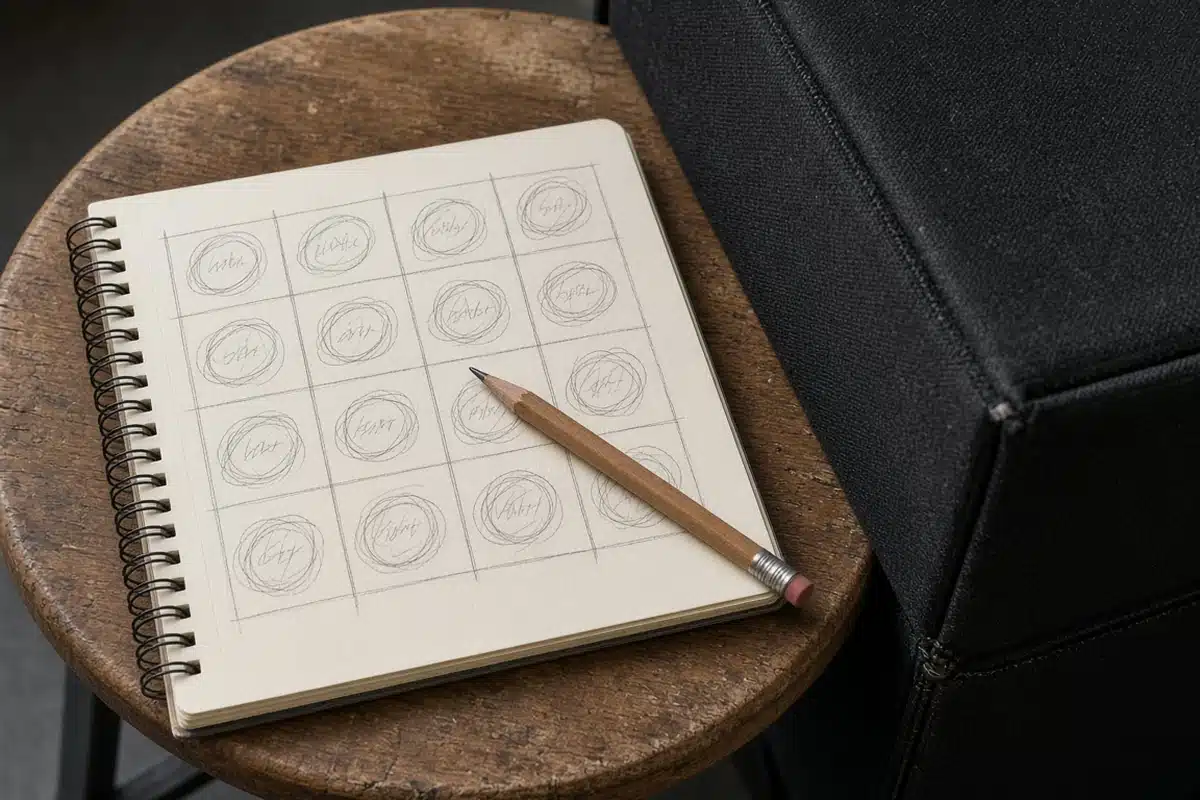
A paper sketch works. Draw the grid, write each reading in its square and date the page. Save each map so you can compare over time.
A spreadsheet makes averages easy. Enter values in a grid of cells, then apply color scales so high values show one color and low values another. Most spreadsheet apps can average the values and find the lowest one.
Note the light height, power setting and fixture with each map. Without them, old maps are hard to compare.
How to: step by step
- Mark an even grid across the grow area.
- Set the light at its normal height.
- Hold the quantum sensor level at canopy height.
- Record PPFD at every grid point.
- Compare center, edge and corner values.
- Adjust height or spacing and remap.
Remap after any change to light height, fixture or dimming. A quick remap takes only a few minutes once the grid is marked.
Troubleshooting
Big center to edge gap. The light is too low. Raise it.
Dim corners. The fixture is small for the space. Add side lighting.
Odd readings. The sensor isn’t level. Recheck.
Readings drift during mapping. The light is still warming up. Wait a few minutes and start again.
Map looks fine but plants vary. The canopy is uneven. Train plants to a flatter canopy.
A PPFD map is the clearest picture of your light you can get with a single sensor. Kind Seed Co carries cannabis seeds for growers planning an even canopy.
Sources
- Measuring daily light integral in a greenhouse (HO-238), Purdue Extension, Measuring daily light integral in a greenhouse (HO-238)
- Low cost light sensors for indoor agriculture (FST-68), University of Hawaii CTAHR, Low cost light sensors for indoor agriculture (FST-68)
- Calculating and using daily light integral (DLI): an introductory guide (SPES-720), Virginia Cooperative Extension, Calculating and using daily light integral (DLI)
FAQ
How many grid points do I need?
Nine to sixteen points work for a small tent. Larger rooms need more, spaced about a foot apart.
Should I map with walls in place?
Yes. Walls reflect light and change edge readings. Map the space as plants will see it.
Can I use a lux meter?
Not reliably. Lux meters read light as people see it and misjudge many grow lights.
How often should I remap?
After any change in light height, fixture or dimming, and every few weeks as plants grow.
What is a good uniformity?
The closer the lowest reading is to the average, the better. Aim for edges that are not far below the center.