Grow Light Buzzing: Drivers, Dimmers and Simple Fixes
The short answer
Grow light buzzing usually comes from the driver or ballast, a dimmer that does not match the driver or loose mounting hardware. A louder buzz often points to a dimming mismatch. Check mounting, run the light at full power without a wall dimmer and contact the maker if noise continues.
Most buzzing has a simple cause. A little detective work usually finds it.
Why do grow lights buzz?
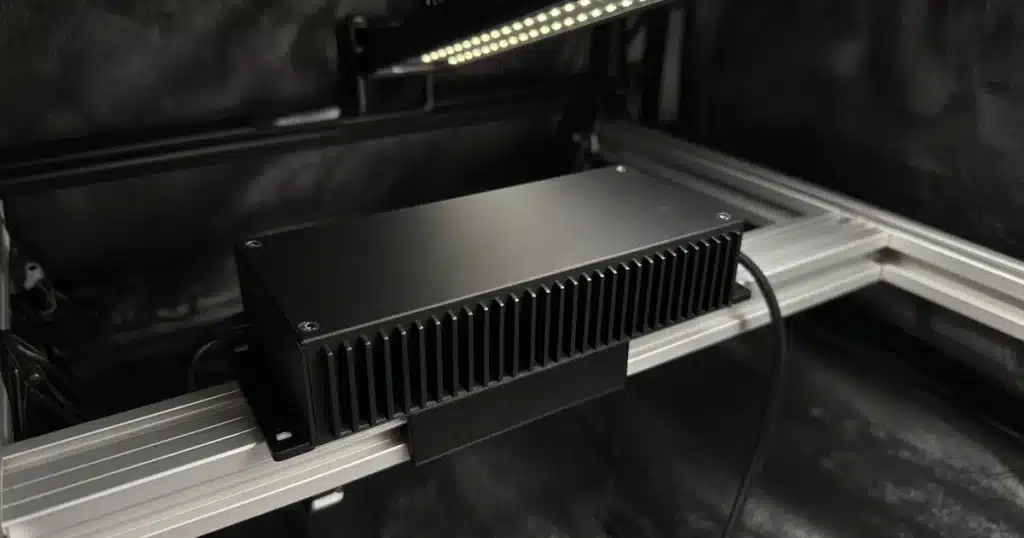
Every LED fixture has a driver. The driver turns wall power into the steady current LEDs need. Inside are coils and capacitors that can vibrate at audible frequencies, mainly under load. That vibration is the hum.
Older HID lights use a ballast, which works in a similar way and is often louder.
Mounting adds to the sound. A driver bolted to a thin metal panel or a hollow shelf can make that panel vibrate like a speaker. Loose hangers rattle.
How do dimmers cause noise?
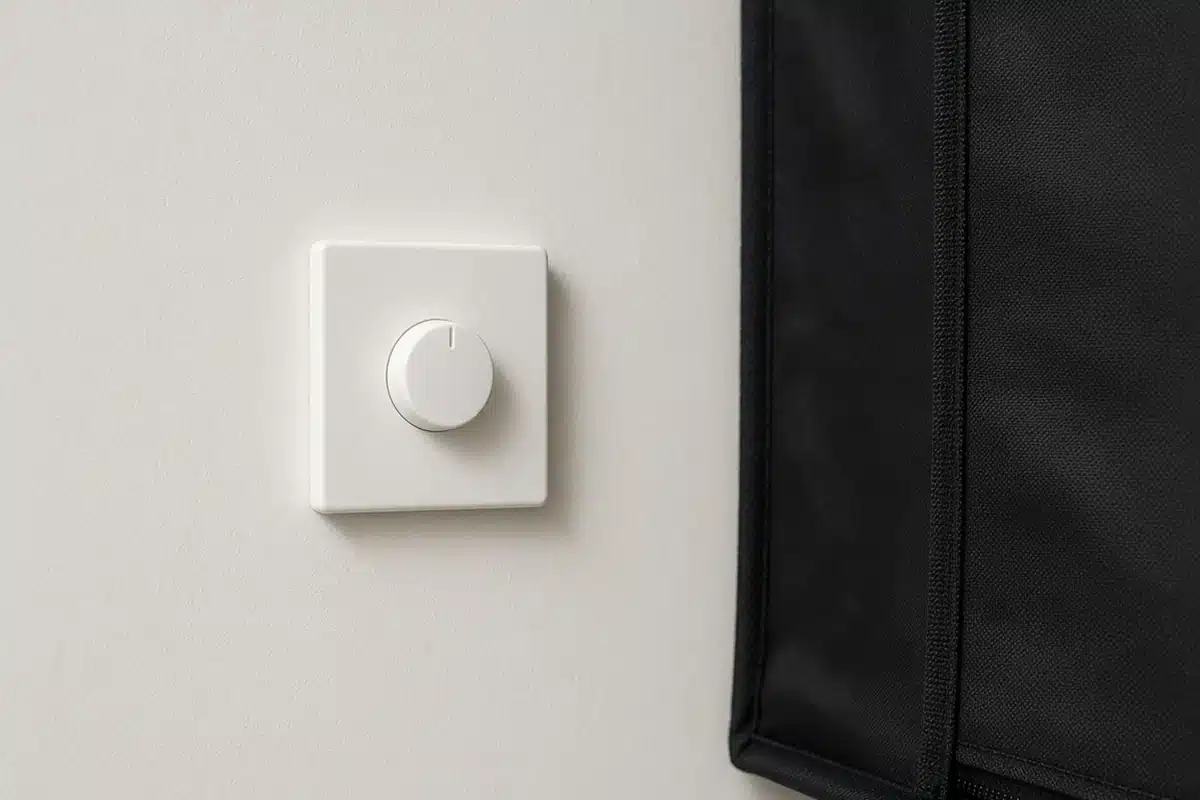
Dimming changes how the driver works, and some dimmers chop part of each power cycle. If the driver was not designed for that kind of dimmer, it can buzz, flicker or both.
The US Department of Energy LED dimming presentation explains that LED drivers and dimmers must be matched. Mismatched pairs can cause flicker, a narrow dimming range and audible noise.
The US Department of Energy flicker research page describes how driver design affects flicker in LED products. The same design choices often affect noise.
| Cause | Sign | Fix |
|---|---|---|
| Driver hum | Faint steady hum at all settings | Often normal, move driver off hollow surfaces |
| Dimmer mismatch | Buzz only when dimmed | Use the dimmer the maker lists |
| Loose hardware | Rattle or buzz that changes with touch | Tighten hangers and mounts |
| Aging driver | Noise that grows over time | Contact the maker |
Sources: US Department of Energy.
How do you find the source?
Start by noting when the buzz happens. Does it start at power on, only when dimmed or only after the light warms up? Each points to a different cause.
Touch the hangers and mounts lightly while the light runs. If the sound changes, hardware is part of the problem.
Run the light at full power with no dimmer. If the buzz stops, the dimmer or dim setting is the cause.
Listen near the driver, then near the fixture. Many grow lights have a remote driver on a cable. If the noise is at the driver, moving it may solve the problem.
How does mounting reduce noise?
Hang drivers from a ratchet strap or a hook rather than screwing them to a panel. Rubber washers or a small pad between the driver and a surface absorb vibration.
Tighten every hanger and clip. Check them again after the light has run for a few hours, since heat can loosen hardware.
Mount drivers away from tent poles and thin shelves that amplify sound.

When should you contact the maker?
A steady faint hum is normal for many drivers. Contact the maker if the noise gets louder over time or comes with flicker.
Our post on when to replace grow lights explains signs of an aging fixture. For tidying the space around lights, see tent upkeep around lights.
Can a timer cause buzzing?
Mechanical timers can click and hum on their own. Digital timers are often quiet. A timer doesn’t change how the driver works, so it rarely causes driver buzz.
Some smart plugs and timers use relays that buzz faintly. If the noise comes from the timer, swap it. Our post on grow light timers compares options.
Does the type of fixture matter?
Bar style LEDs often use one big remote driver. Quantum board fixtures may mount the driver right on the frame. Older blurple panels often have a driver and small fans inside the case.
Fans can sound like buzzing. A worn fan bearing whines or rattles. Listen closely to tell a fan from a driver. A fan noise often changes as the fan speeds up or slows down, while driver hum stays steady.
HID ballasts are often the loudest. Digital ballasts are quieter than older magnetic ones. If a magnetic ballast has grown loud, a digital replacement often runs much more quietly.
Compare your fixture with the maker’s notes. Many list expected sound levels for drivers and fans.
How to: step by step
- Note when the buzz happens.
- Check for loose mounts and hangers.
- Run the light at full power.
- Remove any wall dimmer that is not rated for it.
- Move the driver away from surfaces that amplify sound.
- Contact the maker if noise stays or smells appear.
Write down what you tried and what changed. The maker will ask.
Troubleshooting
Buzz only when dimmed. The dimmer is mismatched. Use a compatible dimmer.
Rattle. Hardware is loose. Tighten mounts.
Hum from a shelf. The surface amplifies vibration. Hang the driver or add a pad.
Noise from the timer. The relay hums. Try a different timer.
Most buzzing stems from mounting or dimming issues and is easy to fix. Kind Seed Co carries cannabis seeds for growers setting up a quiet room.
Sources
- LED dimming: what you need to know, US Department of Energy, LED dimming
- Flicker research, US Department of Energy, Flicker research
FAQ
Is a buzzing light normal?
A faint steady hum is common. A loud or growing buzz, or one with flicker, is worth a call to the maker.
Do all drivers hum?
Many do, faintly. Coils inside vibrate under load. Mounting changes how loud it sounds.
Can a timer cause buzzing?
The timer itself can click or hum. It rarely makes the driver buzz.
Will the buzz get worse?
A steady hum usually stays the same. Noise that grows over time can mean an aging driver.
Does dimming always cause noise?
No. Matched dimmers and drivers run quietly. Mismatched pairs are the usual cause.