Hydroponic Pump Intake Screen: Stopping Roots plus Debris
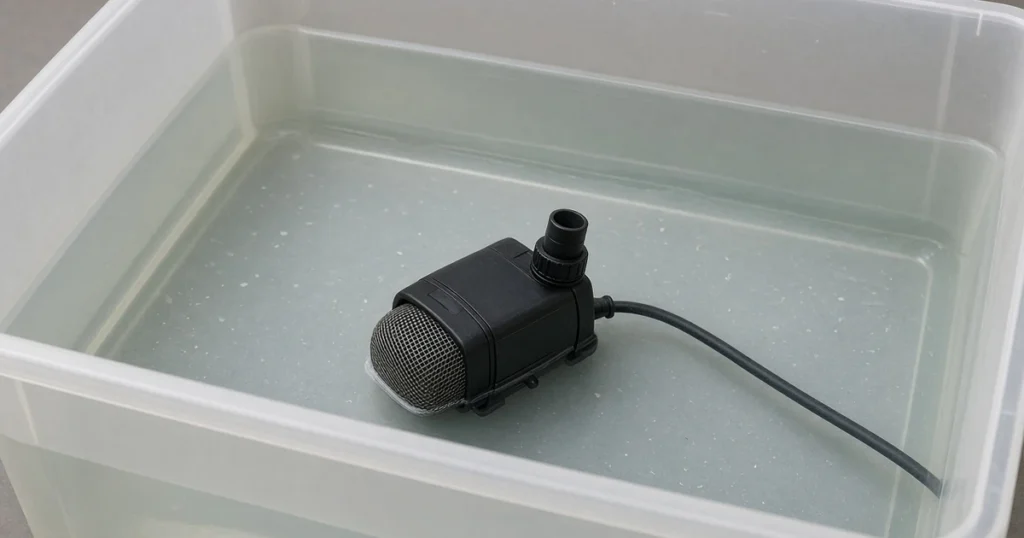
A hydroponic pump intake screen sits over the pump inlet to stop roots, media plus debris from clogging it. NC State Extension notes screen filters in irrigation need regular cleaning, while the University of Tennessee notes continuous flow can lead to root growth that clogs lines.
The short answer
A hydroponic pump intake screen stops roots plus media at the inlet. NC State advises cleaning screens with a soft brush plus replacing a damaged one, since a broken screen is little better than none. Poor water needs more frequent cleaning. Virginia Tech notes pumps should be rated for continuous duty.
What does a pump intake screen do?
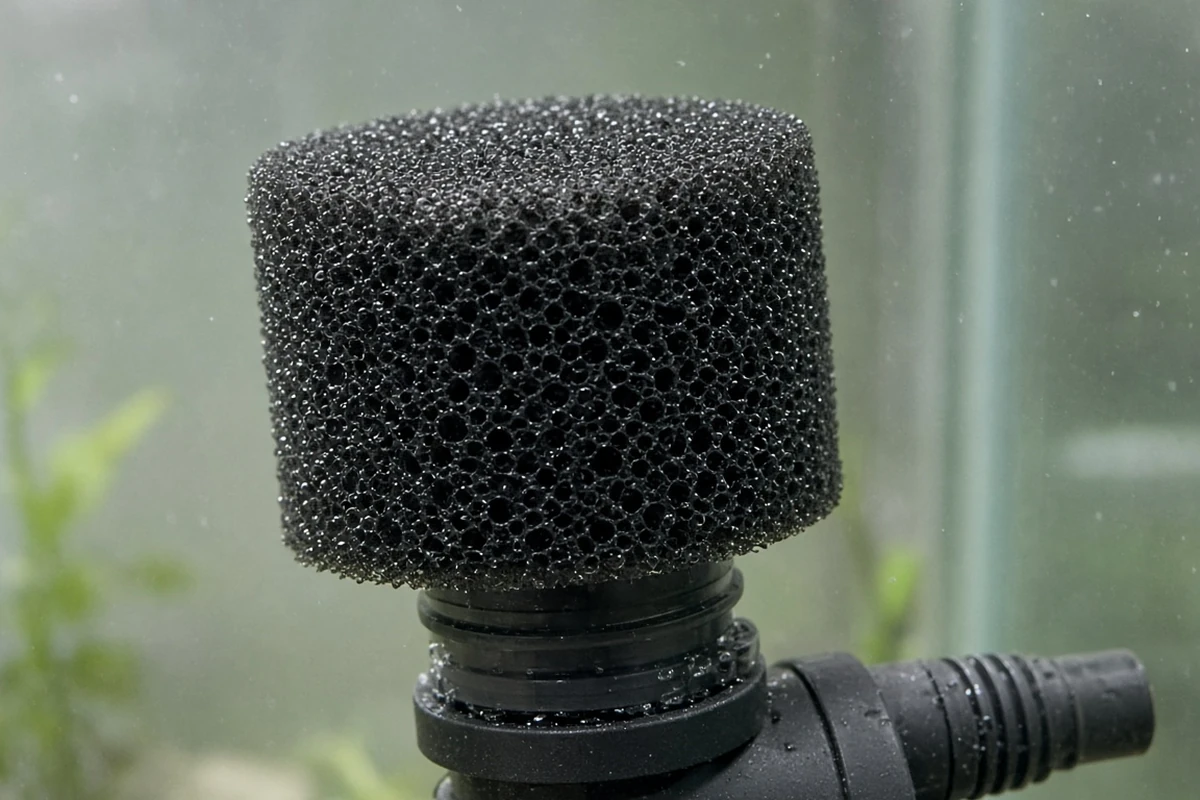
The screen traps debris before it hits the impeller. UF/IFAS Extension notes intake screens stop debris from entering pump intake pipes, since debris cuts pumping efficiency. The University of Tennessee notes continuous flow can lead to root growth that clogs drain lines plus advises greenhouse grade fertilizer to prevent clogging in pumps.
| Task | How | Source |
|---|---|---|
| Clean | Soft brush | NC State |
| Damaged screen | Replace it | NC State |
| Poor water | Clean more often | NC State |
| Pump | Continuous duty rated | Virginia Tech |
| Fertilizer | Greenhouse grade | Tennessee |
Source: NC State, Virginia Tech plus University of Tennessee Extension.
Which screen type suits a hydroponic pump?
NC State describes screen plus disc filters for drip systems. A fine mesh cap or sleeve fits most small pump inlets. Pick one sized for the inlet so it stays on.
How often should the screen be cleaned?
NC State advises cleaning filters more often when water quality is poor. Check the screen at each reservoir change plus whenever flow drops.
How to: step by step
- Unplug the pump.
- Fit a screen sized for the inlet.
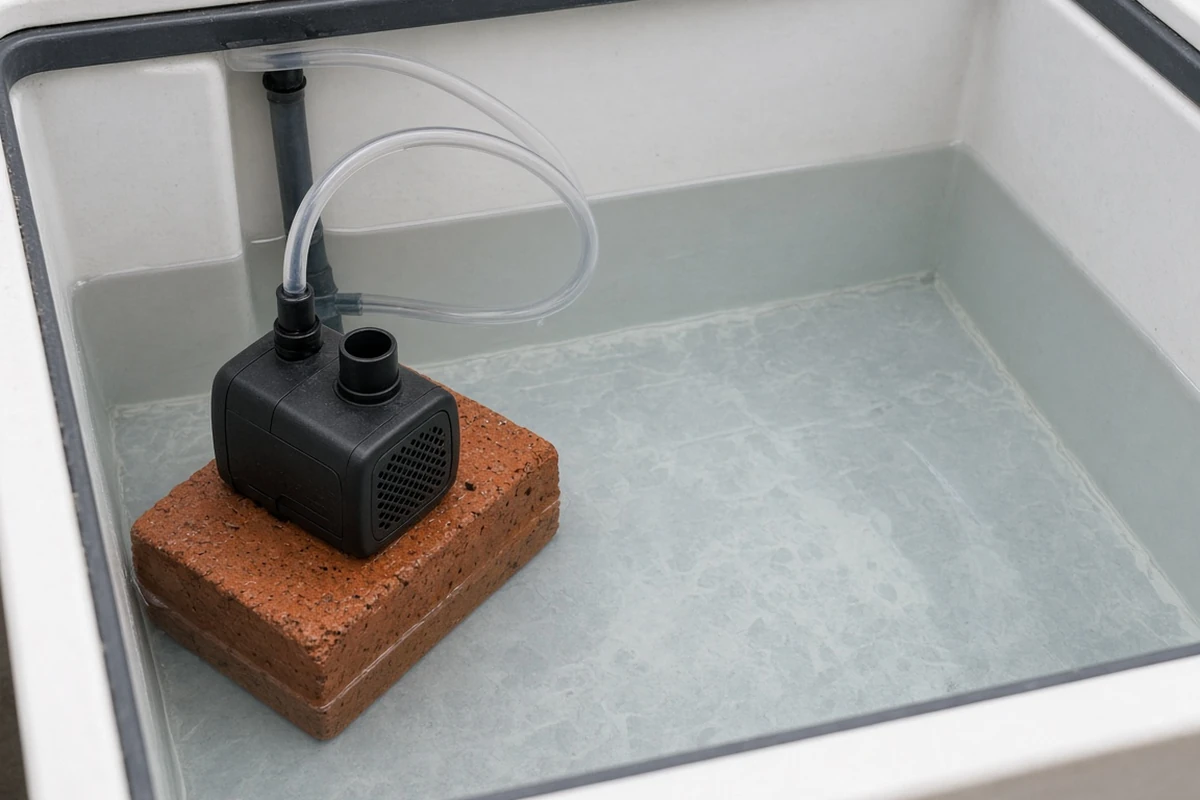
- Set the pump where roots cannot wrap it.
- Confirm flow after restarting.
- Brush the screen clean at each reservoir change.
- Replace a torn or damaged screen.
Troubleshooting
Weak flow: clogged screen. Brush the mesh.
Pump hums but moves no water: roots in the impeller. Unplug plus clear it.
Screen falls off: wrong size. Fit the right size.
For system care see caring for your hydroponic system, hydroponic in different mediums plus ideal environment for your hydro setup. Kind Seed Co also stocks cannabis seeds.
Sources
- Maintenance tips for drip irrigation, NC State Extension
- Hydroponic production of edible crops: deep water culture (DWC) systems (SPES-464), Virginia Cooperative Extension
- Tomatoes, peppers and cucumbers in small-scale soilless and hydroponic systems (W 844-C), University of Tennessee Extension
- Home hydroponics handouts, University of Illinois Extension
- Screen filters in drip irrigation systems (WI009), UF/IFAS Extension
FAQ
Can a sponge filter replace a screen?
A sponge prefilter catches fine debris, though it clogs faster than a mesh screen. NC State advises cleaning filters more often when water quality is poor, so rinse a sponge at each reservoir change. Whichever you use, check flow often plus clean the filter once flow drops.
Do intake screens reduce pump flow?
A clean screen sized for the inlet has little effect, but a clogged one can starve the pump. NC State advises regular cleaning plus more frequent cleaning with poor water. Brush the screen at each reservoir change plus whenever flow looks weak to hold pump output steady.
How do I clean a pump intake screen?
NC State advises cleaning screen filters with a soft brush. Unplug the pump first, remove the screen plus brush it under running water. Check the impeller for roots while the screen is off. Refit the screen firmly before restarting so debris cannot slip past it.
Why do roots clog hydroponic pumps?
The University of Tennessee notes continuous flow leads to root growth that can clog drain lines. Roots follow moving water toward the pump inlet. A screen stops them at the inlet, while trimming roots plus setting the pump away from the root mass also helps.
Should a damaged screen be repaired?
NC State advises discarding a damaged screen, since a broken screen is little better than none. A torn screen lets roots plus debris through to the impeller. Swap it for a new one sized for the inlet plus check the pump for debris before restarting.