Smart Grow Light Controllers: App and Wifi Control Explained
The short answer
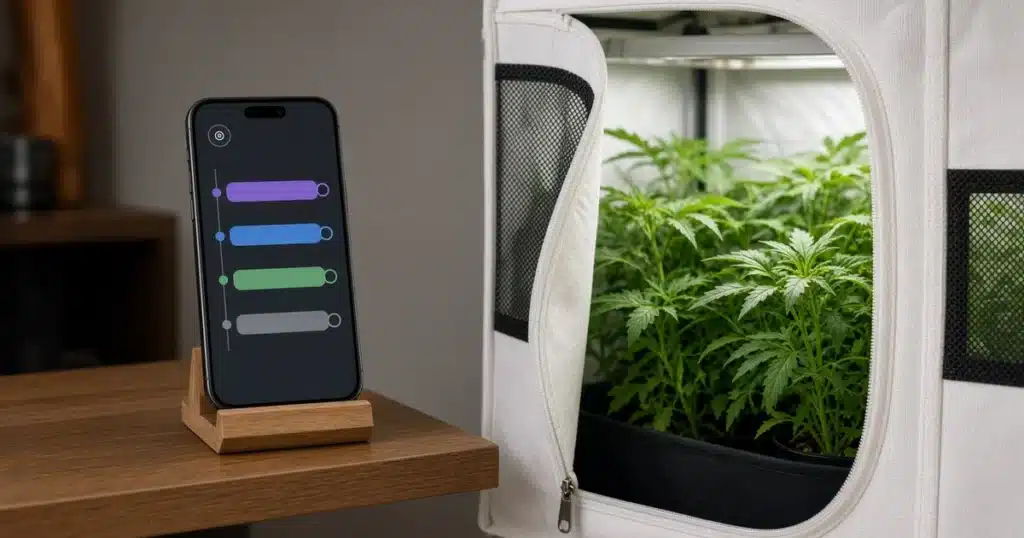
A smart grow light controller lets you set schedules, dim lights and check status from a phone app over wifi or another wireless link. It replaces a mechanical timer with one you can change from anywhere. Before you buy, check for local backup schedules, sunrise and sunset ramps and a load rating that fits your lights.
Smart control is handy, but the basics still matter. A light that misses its schedule can upset a crop as much as no control at all.
What does a smart grow light controller do?
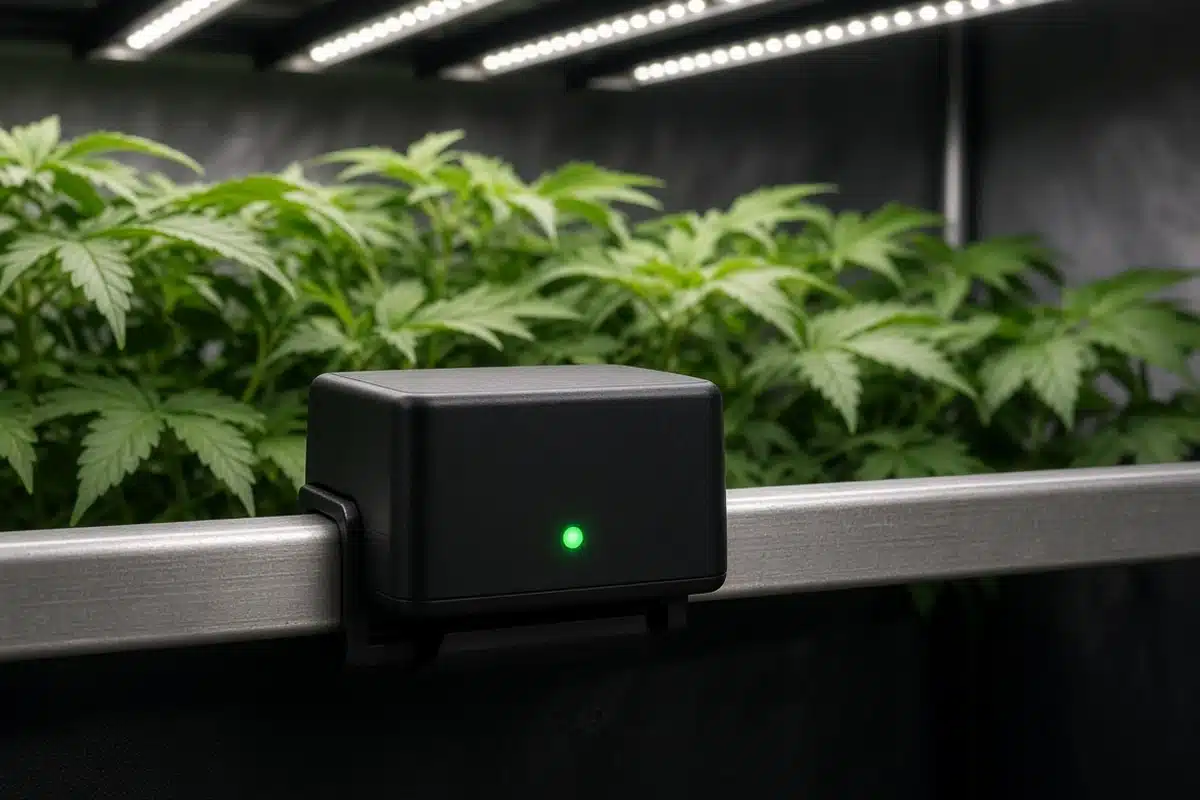
A smart controller connects to your lights in one of two ways. Some switch power on and off, like a smart plug. Others connect to the fixture’s dimming input and change brightness too.
The US Department of Energy page on connected lighting systems describes connected lighting as lights with sensors and network links that can send and receive data. That two way link lets a controller report status as well as send commands.
In a grow room, that means you can see whether lights are on, change a schedule from your phone and ramp brightness up in the morning and down at night.
Which features matter most?
| Feature | Why it matters | Notes |
|---|---|---|
| Local backup schedule | Lights continue running if wifi drops | Stored on the controller, not only in the cloud |
| Dimming support | Lets you change intensity | Must match the fixture’s dim type |
| Sunrise and sunset ramps | Gradual changes at lights on and off | Common in horticultural controllers |
| Load rating | Matches the power your lights draw | Check total watts or amps |
| Status and logs | Shows what happened and when | Helps find missed cycles |
Sources: US Department of Energy, DesignLights Consortium.
The DesignLights Consortium horticultural lighting program sets performance criteria for horticultural fixtures and controls. Its work encourages lighting that can be dimmed and scheduled, since controls help match light to crop needs.
Dimming type is easy to overlook, and many horticultural LEDs use a 0 to 10 volt dim signal. Others use a different standard or a knob on the driver. A controller only dims fixtures that share its signal type.
Do smart controllers save energy?
They can. Dimming lights during early growth or on mild days uses less power. Ramps at lights on and off trim a little energy.
The ENERGY STAR guide to smart lighting explains how schedules and dimming help homes cut lighting use. The same idea applies in a grow space.
Savings depend on how you use the controller. A smart switch that runs lights on the same schedule as an old timer saves little. One that lets you lower intensity for seedlings saves more.
Our post on grow light electricity cost shows how to estimate what your lights cost to run.
How do you make schedules reliable?
Wifi drops happen. Routers reboot, signal fades through walls and cloud services go down for maintenance. A controller that only follows cloud commands can miss a cycle when that happens.
Pick a controller that stores schedules on the device. It runs the schedule even when the network is down.
Place the controller where the signal is good. A wifi extender helps if the grow room is far from the router.
Check the status page or logs often. Many apps send alerts when a light fails to turn on or off.
For the role of the light cycle in a crop, see our post on the cannabis light cycle. For simpler options, see grow light timers.
Are smart plugs enough?
A smart plug switches power on and off on a schedule. For a single small light, that may be all you need.
Smart plugs don’t dim fixtures. They have modest load ratings, often suited to one small fixture. For several lights or high power fixtures, a dedicated controller or a contactor rated for the load is a better fit.
Read the plug’s rating and compare it to the total watts your lights draw.
How do ramps help plants?
Sunrise and sunset ramps raise and lower brightness over several minutes instead of switching all at once. Outdoors, light builds slowly at dawn. A ramp copies that pattern.
Ramps also ease the load on circuits. Many large fixtures starting at the same moment draw a surge. Staggered or ramped starts spread that out.
Set ramps inside the light period, not on top of it. A plant on a twelve hour schedule should still get twelve hours from the start of the ramp up to the end of the ramp down. Count the ramp time when you plan the day.
How to: step by step
- List the lights you want to control.
- Check the controller’s load rating.
- Confirm it works with your fixture dimming type.
- Set schedules and confirm they run.
- Turn on local backup in case wifi drops.
- Check logs or status regularly.
Before shopping, note each fixture’s wattage and dimming method.
Run the schedule for a day or two before plants depend on it. Watch that lights turn on and off at the right times.
Troubleshooting
If lights turn off at the wrong time, wifi dropped. Use local schedules.
If dimming is not working, the dim type is likely wrong. Check your fixture compatibility.
If the app shows offline, the signal is weak. Move the router or add an extender.
If the schedule shifts by an hour, the time zone or daylight saving setting likely changed. Check the controller clock.
A smart controller is a convenience that pays off when it’s set up with backups and checked often. Kind Seed Co carries cannabis seeds for growers planning a new light schedule.
Sources
- Connected lighting systems, US Department of Energy, Connected lighting systems
- Smart lighting, ENERGY STAR, Smart lighting
- Horticultural lighting, DesignLights Consortium, Horticultural lighting
FAQ
Do smart controllers save energy?
They can. Dimming during early growth and using ramps cuts some use. A plain on and off schedule saves little.
What if the wifi goes down?
Controllers with local schedules continue running. Those that rely only on the cloud may miss cycles.
Can one controller run several lights?
Yes, if its load rating covers them and they share the same dim type.
Are smart plugs enough?
For one small light, often yes. They do not dim and have modest load ratings.
Do I need a special app?
Most controllers use their own app. Some also work with home assistants for basic on and off control.